

Press kit
Writing about ScreenGo?
Everything you need in one place: the facts, the words, the logos and the screenshots. Free to use in coverage of ScreenGo. Want to try it first? Ask, and you'll get a promo code.
The facts
- What it is
- A Mac screen recorder that does the editing for you
- Made by
- Ben White, an independent developer in the UK
- Price
- £34.99 / $34.99, once. No subscription.
- Requires
- An Apple silicon Mac with macOS 26 or later
- Launched
- 5 November 2026, on the Mac App Store
- Latest version
- 1.1, released 18 November 2026
- Account
- None. The app has no network code.
- Links
- Mac App Store · Tutorials · Roadmap
In a few words
One line
Screen recorder for Mac that does the editing for you. Buy once, no account.
One paragraph
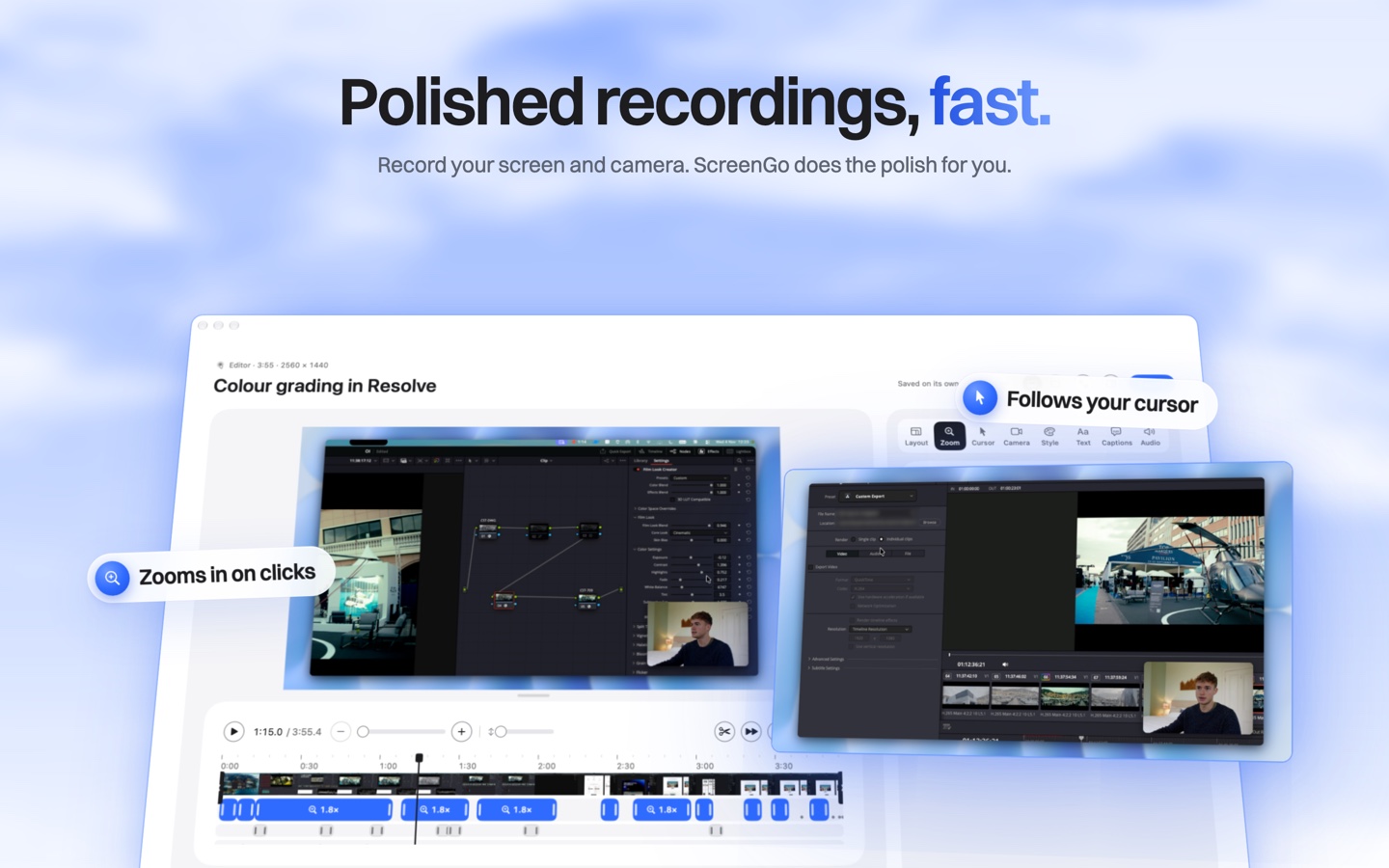
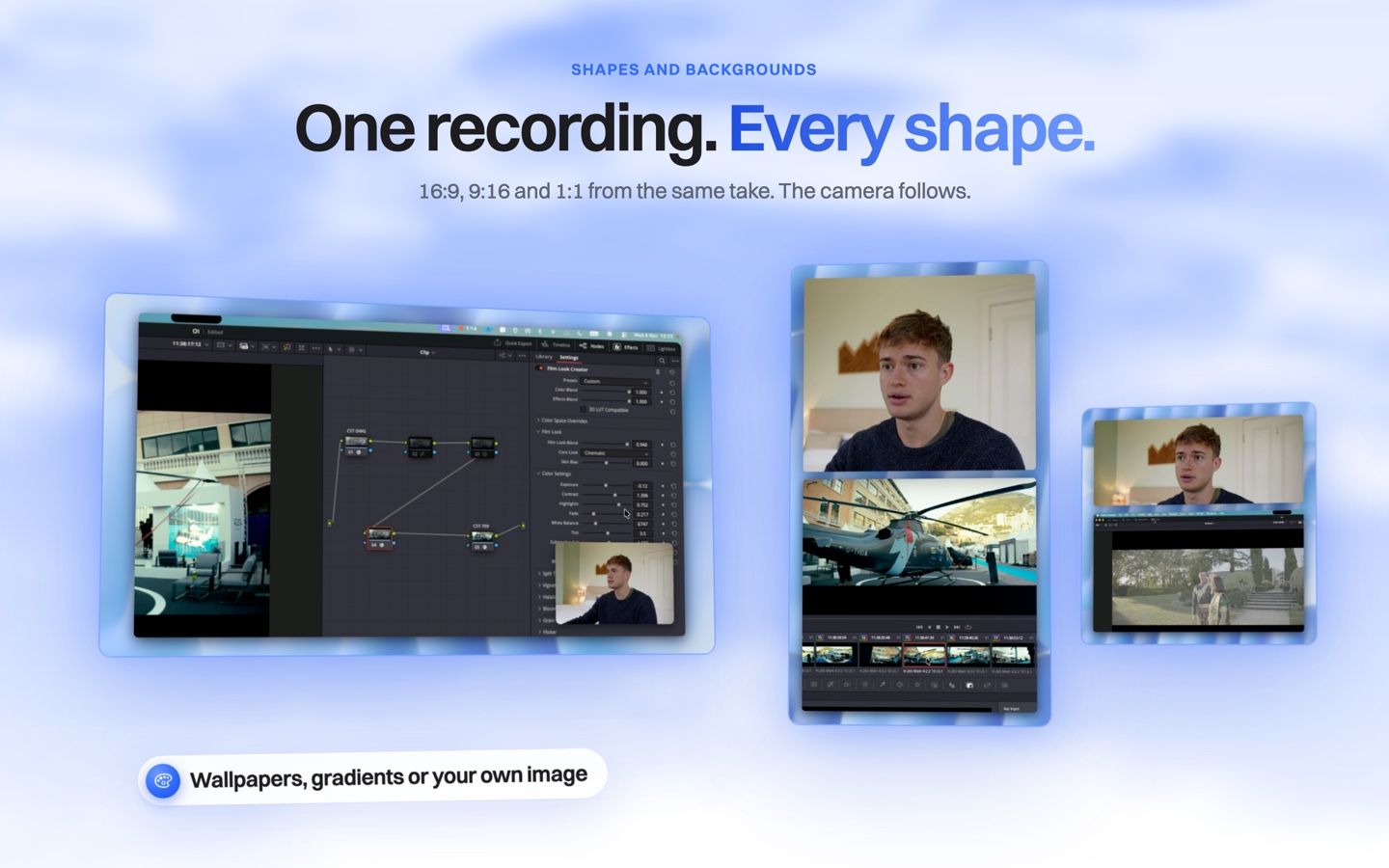
ScreenGo records your screen and camera, then places the zooms, smooths the cursor and cleans up your voice, so the video looks edited when you stop recording. It has a teleprompter that follows your voice, captions made on your Mac, every shape from 16:9 to 9:16, and export to MP4 up to 4K or GIF. Nothing is uploaded and there's no account. £34.99 once on the Mac App Store, for Apple silicon Macs with macOS 26 or later.
How it started
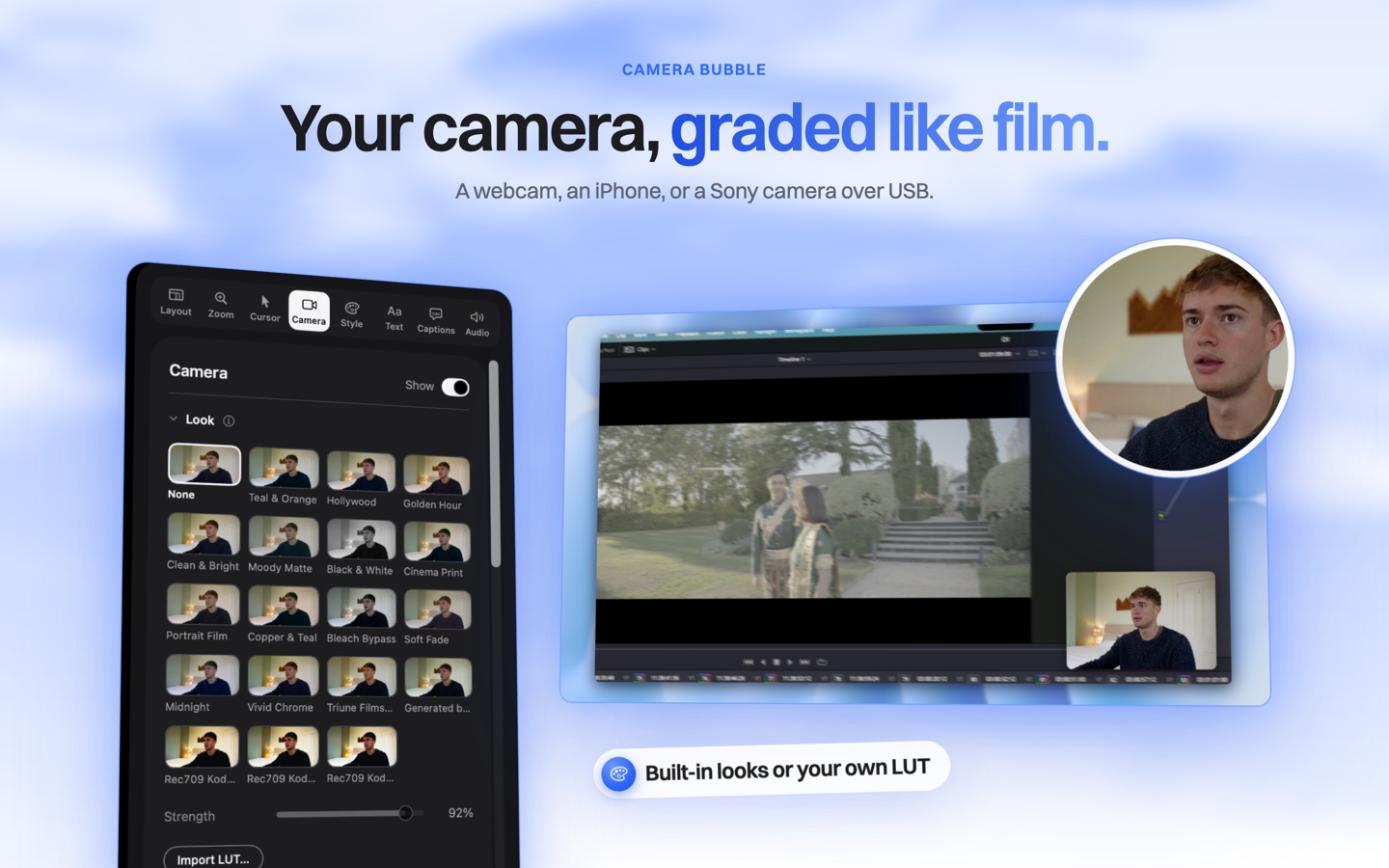
ScreenGo began as a small tool for using a Sony FX3 cinema camera as a Mac webcam over a single USB cable. Once the camera looked good, the flat screen recording next to it didn't, so the tool grew a recorder and then an editor that does the polish on its own. It's built by one developer, Ben White, in the UK.
What makes it different
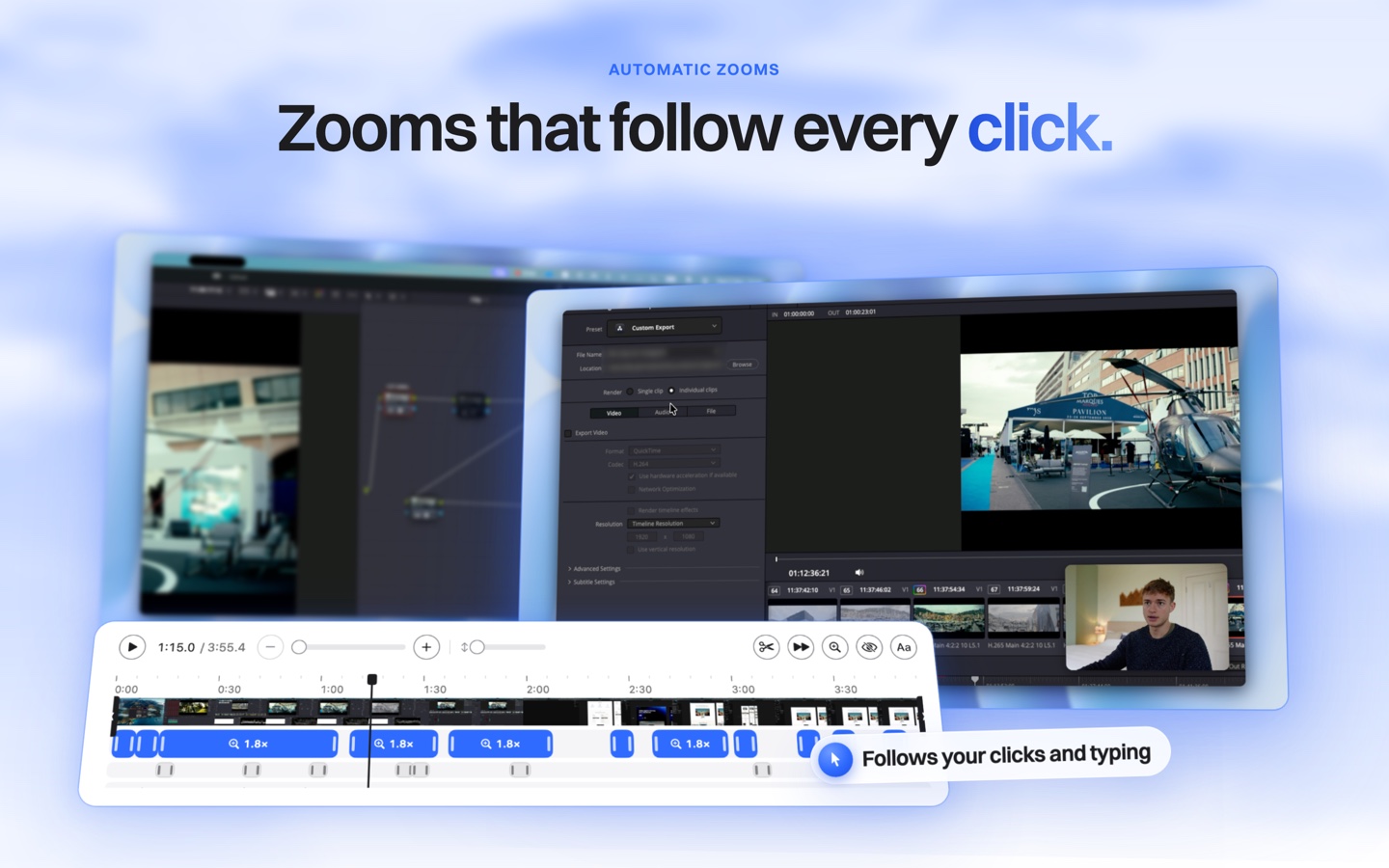
- Zooms that place themselves. ScreenGo notes every click while you record and adds a zoom for each, plus zooms that follow your typing.
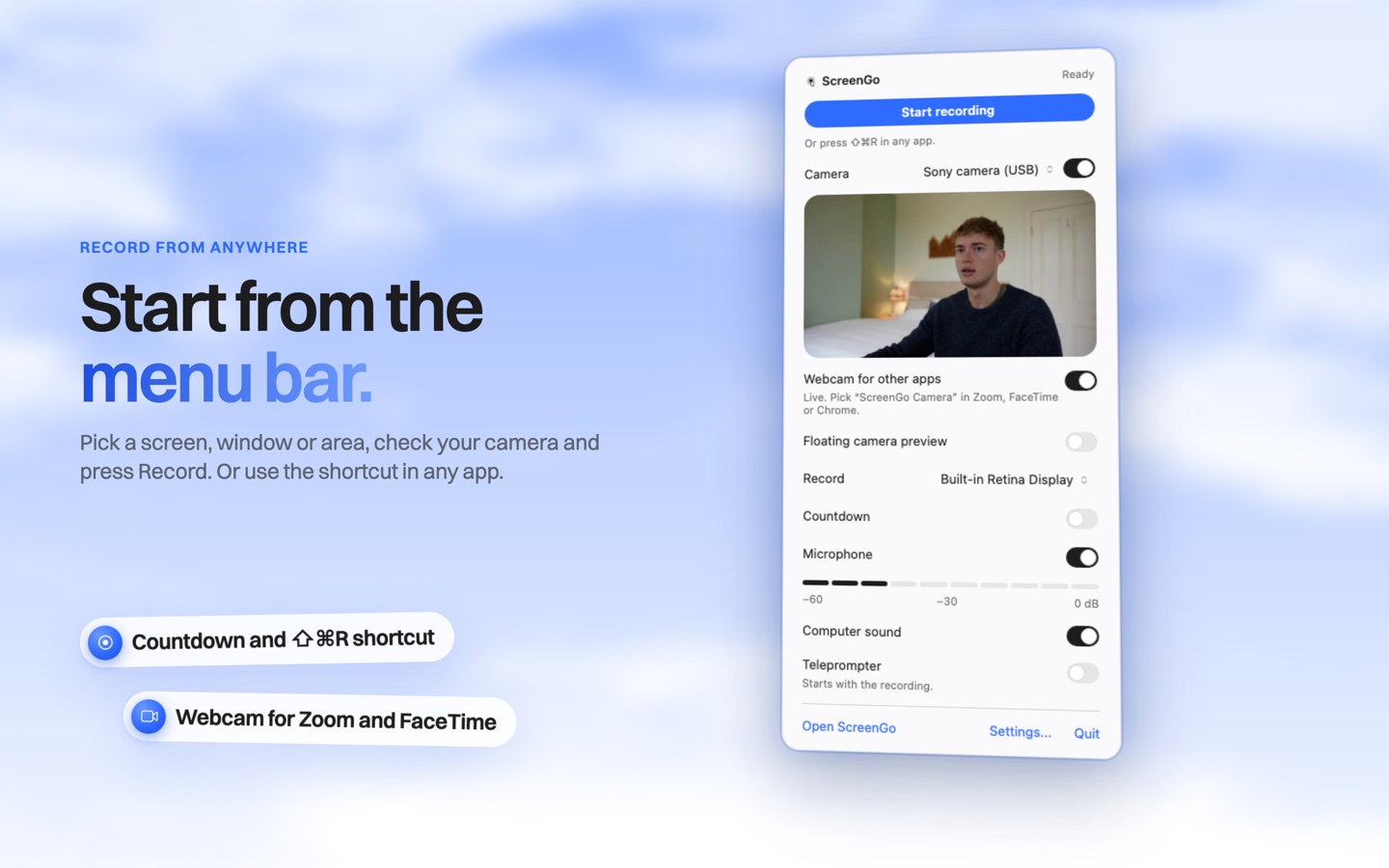
- A teleprompter that listens. It drops from the notch, right under the camera, and follows you word by word. It never shows in the recording.
- A camera that gets out of the way. The bubble moves aside when the mouse comes near and shrinks as the view zooms in, with background removal and colour looks.
- Also a webcam. ScreenGo appears as a camera in Zoom, Meet and FaceTime, with the same look applied.
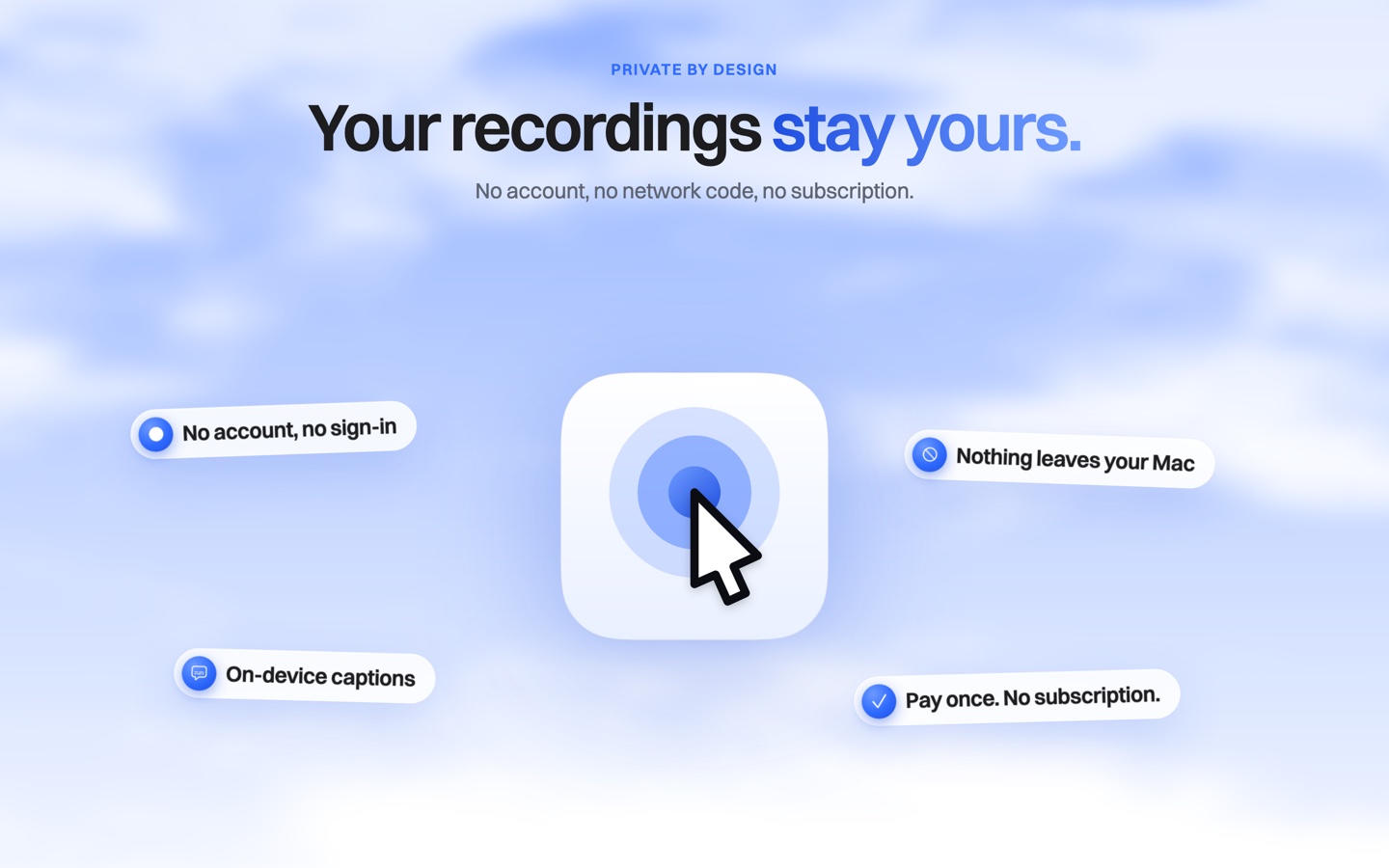
- Private by design. No account, no analytics, no network code. Captions are made on the Mac.
- One price. £34.99 once, in a category that is mostly subscriptions.
Screenshots
1440 × 900, from the Mac App Store listing. Click one for the full size.
Logos and colours
SVG and PNG. Please don't recolour, stretch or add effects to the logo or the app icon.




Get in touch
For interviews, review copies or anything else, message Ben on X or LinkedIn, or write through the support page. Promo codes for a free review copy are available on request.
ScreenGo for Mac
£34.99one-time purchase
Get ScreenGoNo subscription and no account. For Apple silicon Macs with macOS 26 or later. The Mac App Store shows the price in your own currency.